

Meeting new people online is fun, but a dating profile also puts a lot of information about you in front of strangers. Learning to protect your privacy on dating apps does not mean being secretive or cold. It means choosing what to share, when to share it and with whom, so that you stay in control. This guide covers practical habits you can start using today.
Think of privacy like a front gate. You are happy to welcome good people inside, but you decide when to open it and how far they get. The rest of this article shows you how to do that without losing the warmth that makes dating enjoyable.
Why you should protect your privacy on dating apps
Most people you meet are exactly who they seem, and a little privacy does not change that. The reason to be careful is that information is hard to take back. A detail you share in week one can be copied, forwarded or used in ways you never imagined, and a stranger who knows your workplace, your estate and your routine knows far more than a new match needs to.
Privacy also protects you from small, everyday annoyances, such as unwanted visits, constant messages from someone you have decided not to see, or people who find your family on social media. Good habits cost you almost nothing and keep these problems away.
What not to share, at least at first
The early days of chatting are for getting to know a person, not for handing over the keys to your life. Until you have met several times and built real trust, hold back on the following.
- Your home address, including your estate name, building and gate details.
- Your exact workplace or the office floor you work on.
- Your ID number, passport details or KRA PIN.
- Bank, M-Pesa or card details, passwords, PINs and one-time codes. A genuine person will never need these.
- Private or intimate photos. Once sent, you cannot control where they go.
- Your daily routine, such as when you leave work and which route you take.
- Details about children or relatives, such as their school and where they live.
You can still be open about your interests, your humour and your general story. For example, you can say you work in finance in Nairobi without naming the company. That is enough to have a good conversation.
Photos, metadata and what the background says
Photos are one of the biggest ways people give away more than they intend. There are two things to think about.
First, the picture itself. A selfie outside your gate, in front of your building or in uniform with a visible name tag tells a stranger where you live or work. Choose photos with neutral backgrounds, such as a park, a cafe or a plain wall, and avoid clear shots of number plates, school logos or street signs.
Second, hidden information. Many phones attach extra details to photos, which can include the date, the time and sometimes the place where the picture was taken. Different apps handle this in different ways, and many remove it when you upload, but you should not assume so. The safest habit is to turn off location tagging for your camera in your phone settings, and to be thoughtful about sending original photo files directly to someone you do not know well. If you want help choosing good profile photos, see our guide to best dating profile photos.
Keep your location general
You can be easy to find without giving an exact location. Share your town or neighbourhood, such as Kilimani, Nyali or Milimani, not your street. When arranging to meet, suggest a public place and do not offer to be collected from home. Be careful with live location sharing, which is useful with a trusted friend on a date but not with someone you have only just matched with.
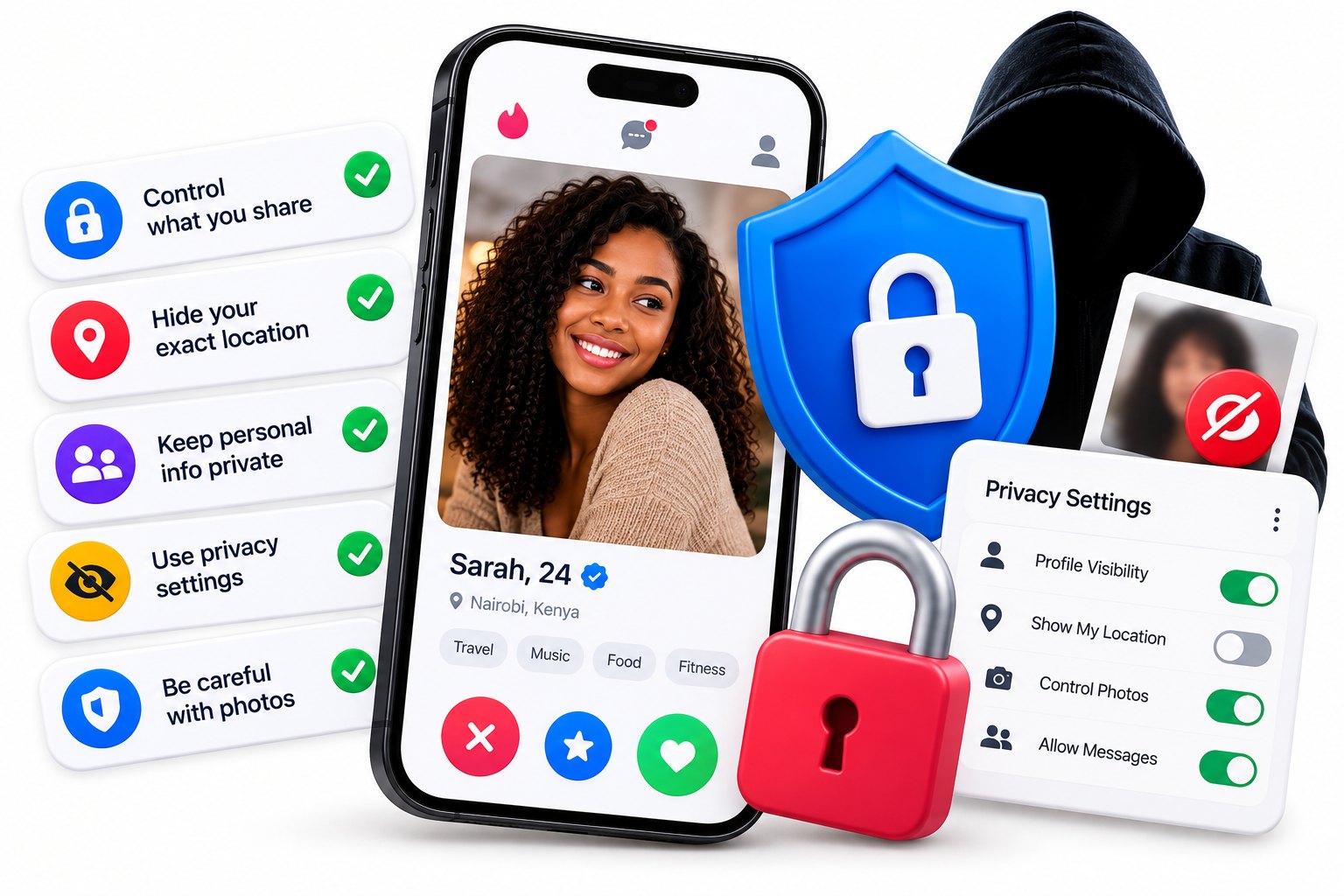
Check your app settings, too. Look for options that control whether your distance, last active time or exact area is visible, and set them to what you are comfortable with. Social media can also reveal where you are, so think about tagged check-ins and posts that show your home or workplace.
Usernames, social media and being searchable
It is easy to forget that a username can lead to much more than a dating profile. If you use the same handle, email or photo everywhere, someone can follow the trail to your other accounts, your friends and your family.
- Use a first name or nickname, not your full name.
- Avoid a username that includes your surname, birth year or workplace.
- Consider a separate email address for dating and friendship sites.
- Review your social media privacy settings so strangers cannot see everything.
- Be thoughtful about when you follow or connect with someone, and wait until you trust them.
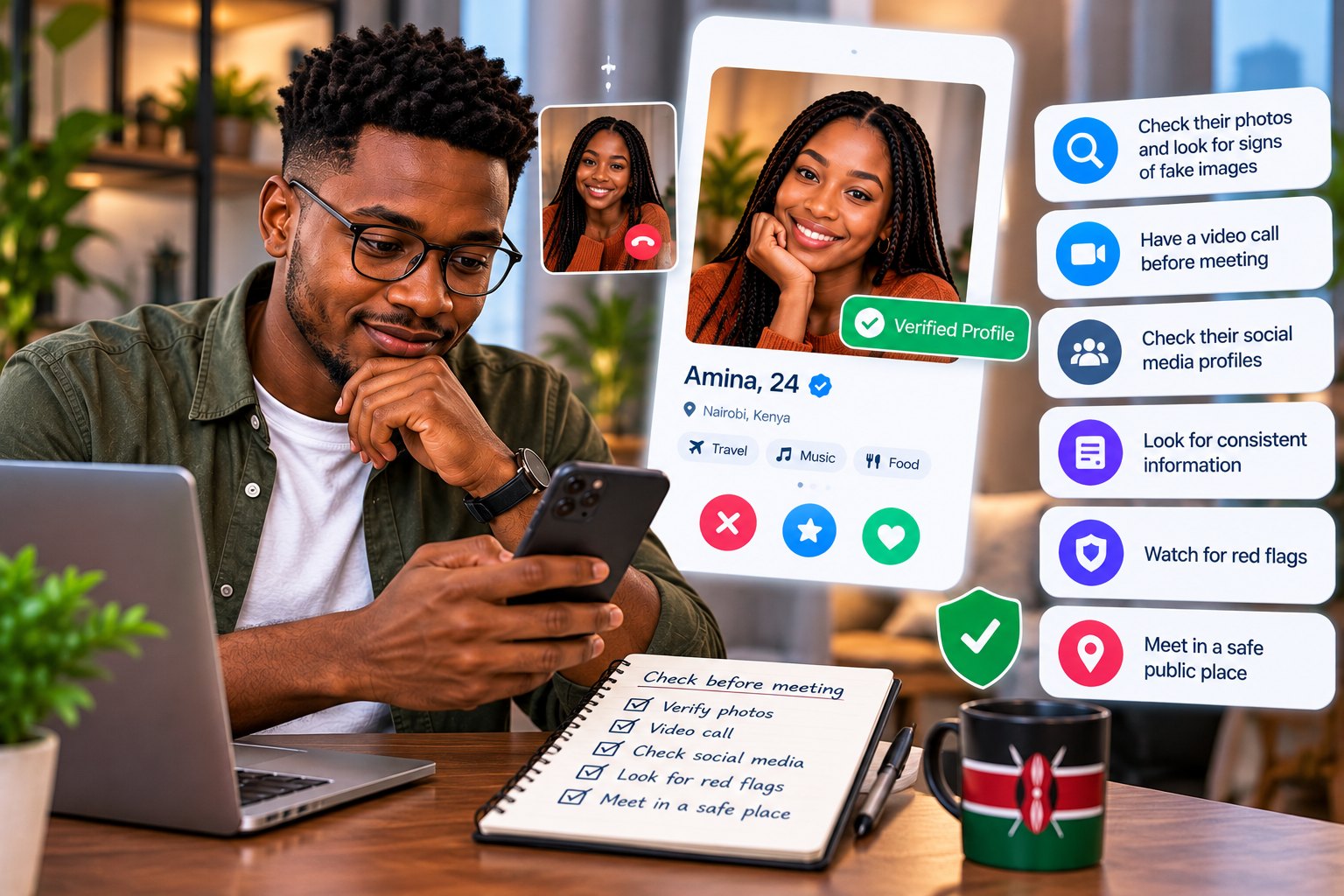
Checking whether a match is real is fair too. Our article on how to verify someone is real before meeting shows you how to do it without oversharing yourself.
Moving to WhatsApp and swapping numbers
Many people move to WhatsApp very quickly, but it is a big step. Your number can lead to your profile photo, your status and sometimes your name, and it is hard to take back once shared. Stay on the app until you feel comfortable, have a video call, and then decide.
When you do share your number, you can say: "I am happy to move to WhatsApp after we have had a quick video call this week." If someone pushes to leave the platform in the first day or two, treat it as a warning sign, particularly if money or secrecy comes up later. Our guide to romance scams in Kenya explains why.
How to share more as trust grows
Privacy is not a wall. It is a dial, and you turn it up or down as you get to know someone. A sensible pace looks something like this: first you chat on the app, then you have a video call, then you meet in a public place, and only after a few good meetings do you share things like where you live or who your family are.
Watch how the other person treats your boundaries. Someone who says "no problem, take your time" when you decline a question is showing respect. Someone who sulks, pushes or keeps asking is showing something else. You can always say, "I like to keep that private for now, but I am happy to tell you more later." That line is polite, honest and easy to use.
Screenshots, sharing and respecting others
Screenshots are useful, and they are also risky. You should keep screenshots of harassment or suspicious behaviour as evidence. But avoid posting or forwarding other people's private messages and photos without their permission. Sharing someone's private pictures can hurt them badly and cause trouble for you.
The same care applies to your own images. Never send a private picture to someone you do not know well, however sweet they are. If someone pressures you for one, that tells you what you need to know. Block them and report them, and see our guide on how to block and report someone online.
Your rights over your personal data in Kenya
Kenya's Data Protection Act 2019 gives people rights over their personal data, including the right to know how it is being used and to ask for corrections. Companies that handle personal data have responsibilities too. This is a general overview and not legal advice. If you have a specific concern, the Office of the Data Protection Commissioner is the right place to look.
On a practical level, it is worth reading how any app uses your information, checking your privacy settings regularly and deleting accounts you no longer use. You can find out how ConnectHub approaches safety on our safety tips page and in our FAQ. When you are ready to meet people at your own pace, you can create a free profile or browse people near you.